How To Remove Sync Google Account from Redmi Phone

How To Remove Sync Google Account from Redmi Phone https://youtu.be/3XBFmOkKNo0
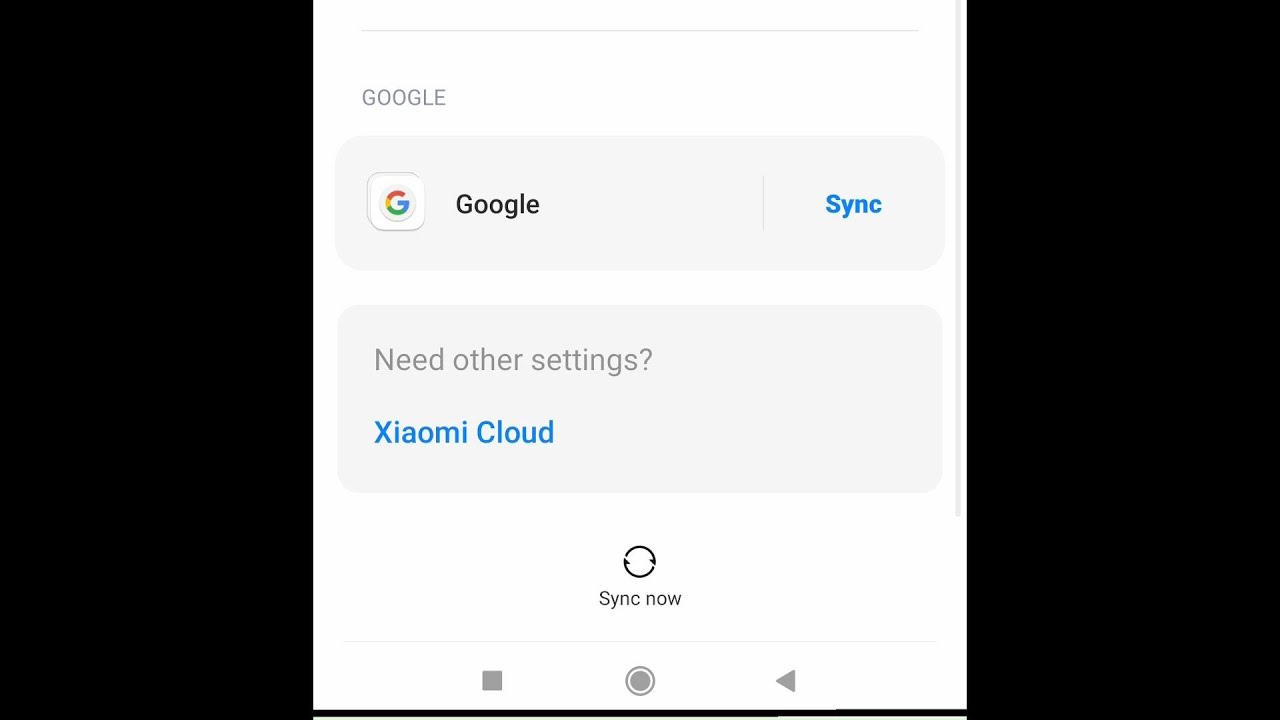
❖ Steps to Remove Sync Google Account from Redmi Phone
- Go to Settings
- Tap on Accounts & Sync
- Tap on Google
- tap on account which you want to remove
- tap on more button ( located on bottom )
- Tap on Remove Account
- Done


Comments

Popular Posts

How to Download Your YouTube Video Thumbnail on Desktop and Mobile

YouTube Ads Kaise Band Kare (हिंदी में )

How To Turn On Comments on YouTube using Chrome App

How To Turn On Comments On YouTube using YouTube Studio App

How To Delete Play Store Search History | Delete Search History on Google Play Store

How to Change YouTube Profile Picture and YouTube Channel Art Cover photo on Android and iOS

How to Delete Google Account Permanently on Android 2021